
The pivot that saved a voice AI project: think field-first before you code
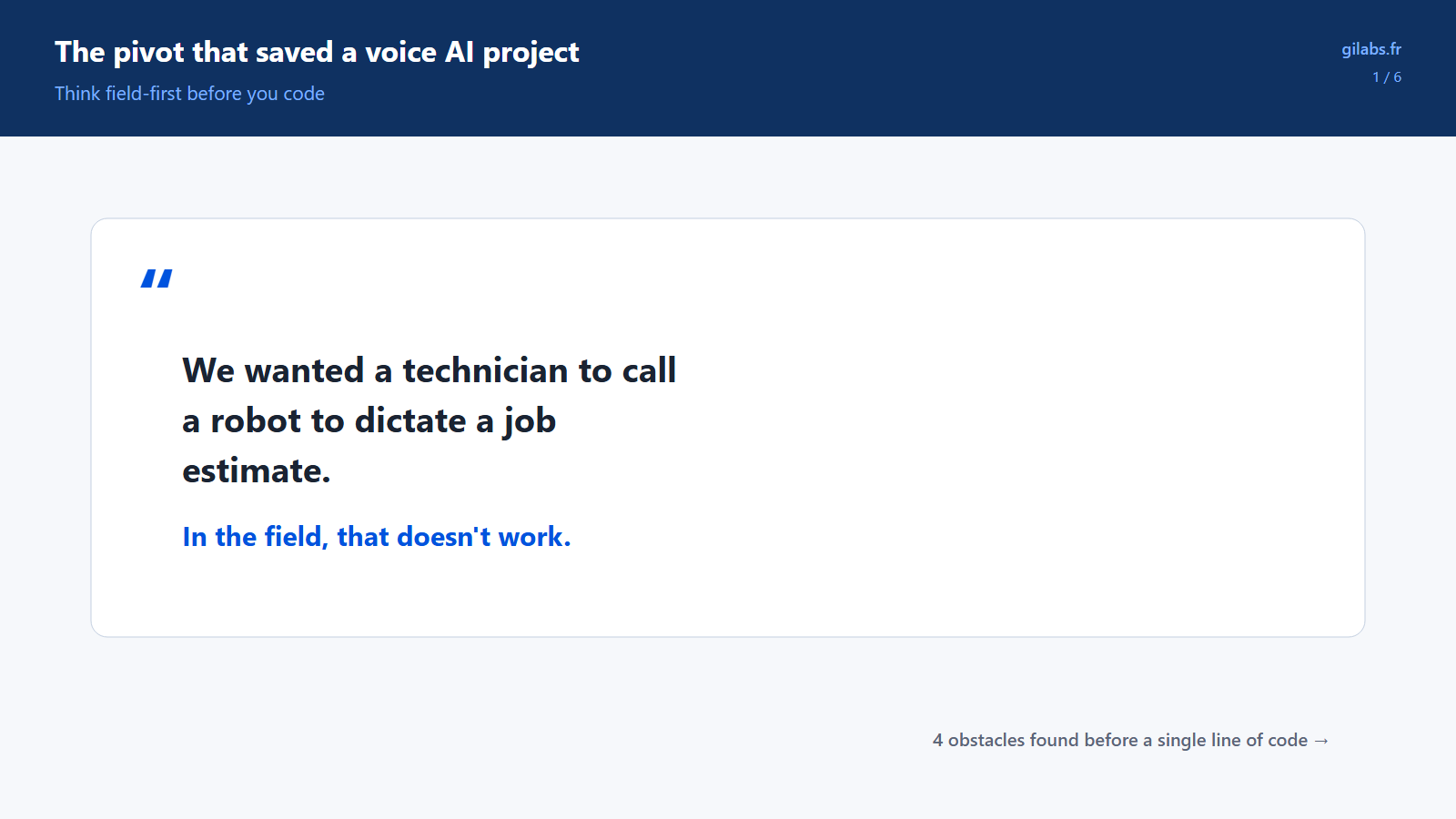
A project assumed a technician would call an automated assistant to dictate a job estimate. Four very concrete obstacles showed the idea didn't hold up in the field.
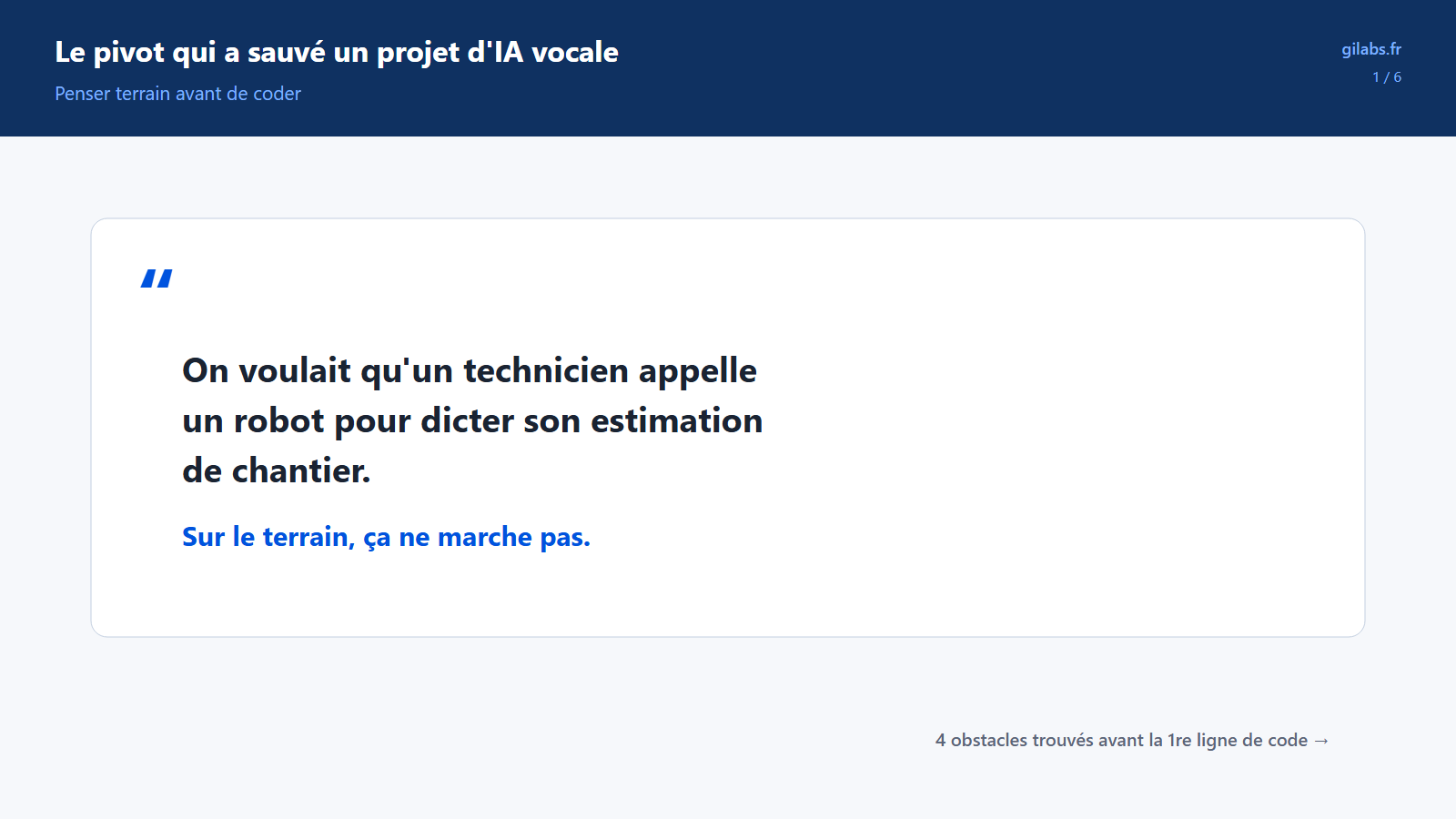
Maintenance technicians work on job sites every day, and they know, off the top of their heads, what a job is going to cost in time and materials. That’s not the problem. The problem is that turning that knowledge into a written estimate takes time, so it rarely gets done on time, or doesn’t get done at all.
The idea for fixing this looked simple enough: instead of filling out a form, the technician would just talk. They’d describe the job out loud, and an automated system would turn that description into a structured estimate, ready for a manager to check.
Scroll to see all 6 steps →
A good idea on paper
The first version of this idea felt like making a phone call. The technician would open Microsoft Teams, the messaging and video app their company already uses, and call an automated assistant. They’d dictate their estimate to it the way they’d talk to a colleague on the phone.
On paper, that holds together perfectly. In the reality of field work, it doesn’t hold together at all.
Four obstacles found before a single line of code
Before building anything, the team checked whether this idea was actually workable. They found four obstacles, each one big enough on its own to sink the project as originally imagined.
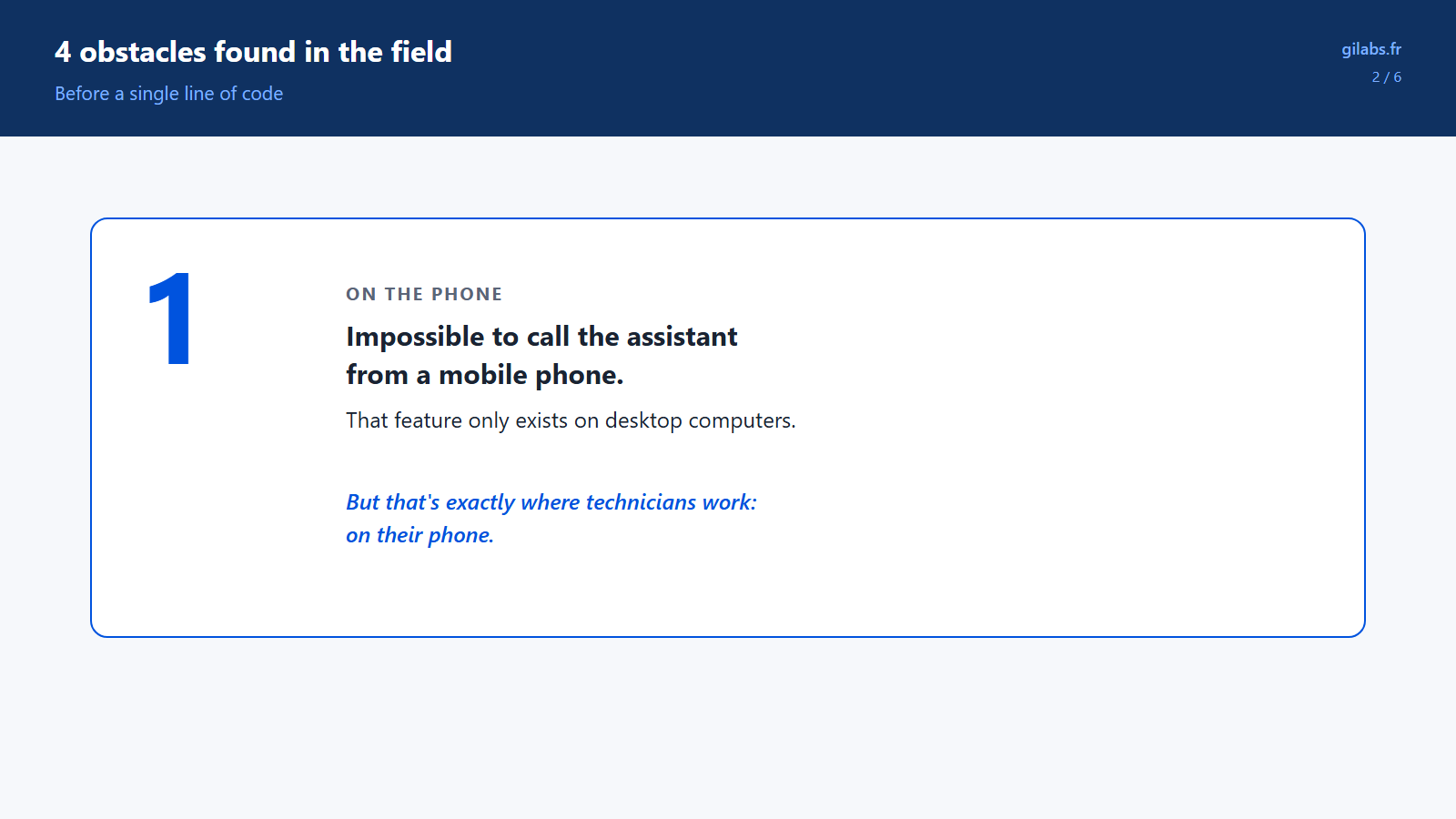
First, a surprisingly basic problem: from a mobile phone, it’s simply impossible to call this kind of automated assistant. That feature only exists on desktop computers. Technicians work from their phones, not from a desk.
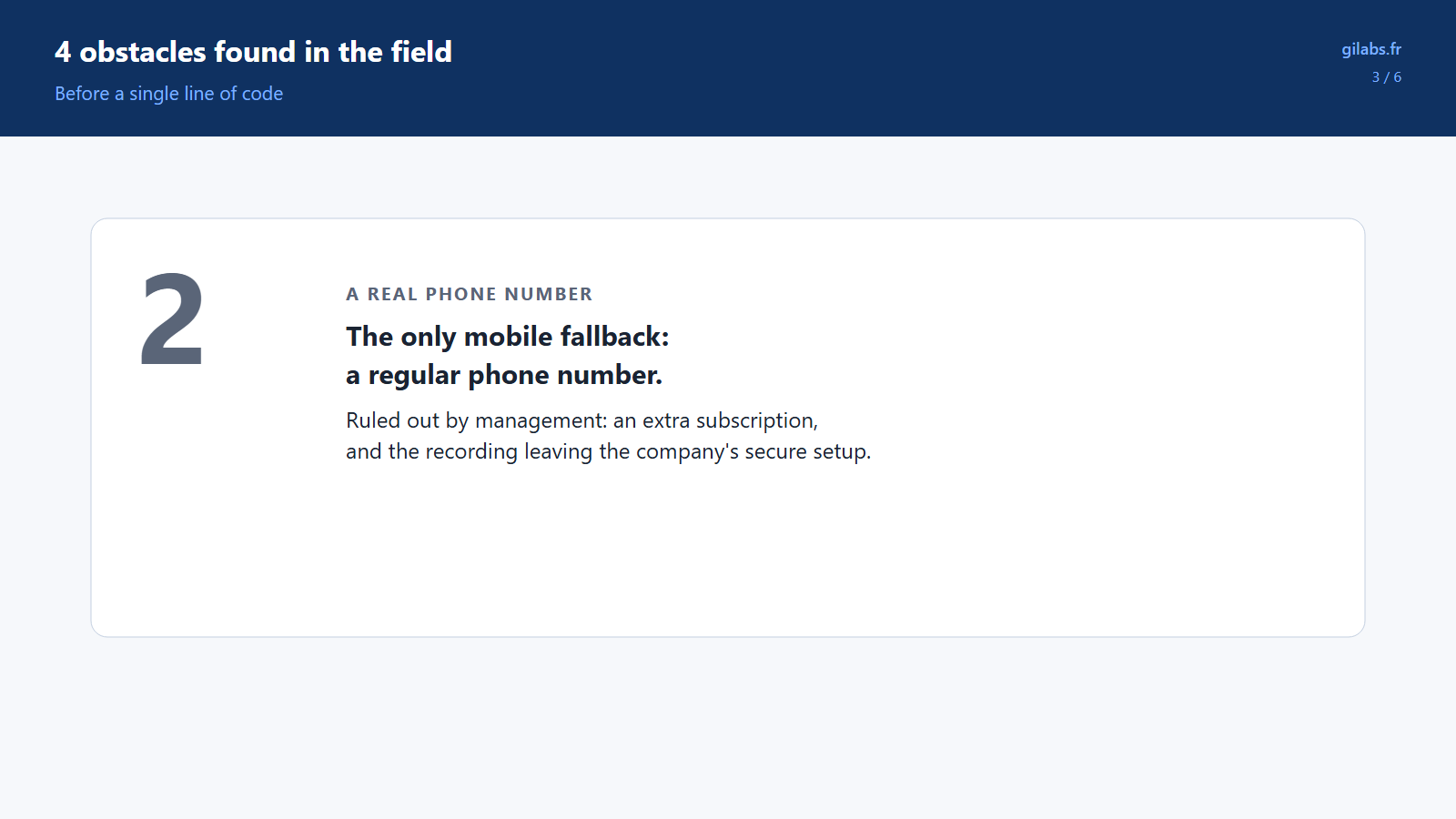
Second, the obvious fallback, a regular phone number, was ruled out by management. It would have required an extra phone subscription, and more importantly, it would have taken the recording outside the company’s secure environment.
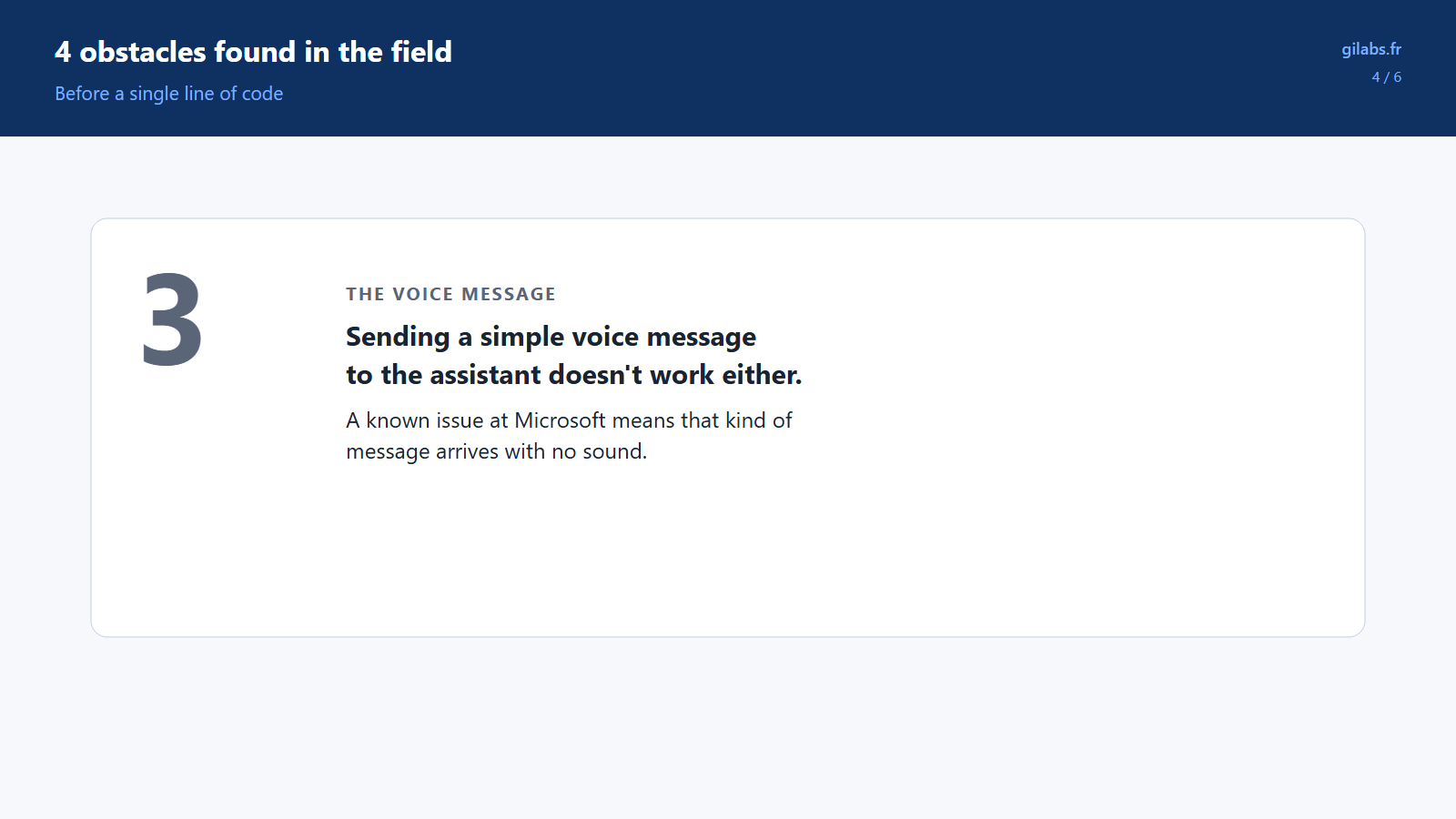
Third, sending a simple voice message to the assistant, the way you’d send one on any messaging app, doesn’t work either. A known technical issue at Microsoft means that kind of message arrives with no sound.
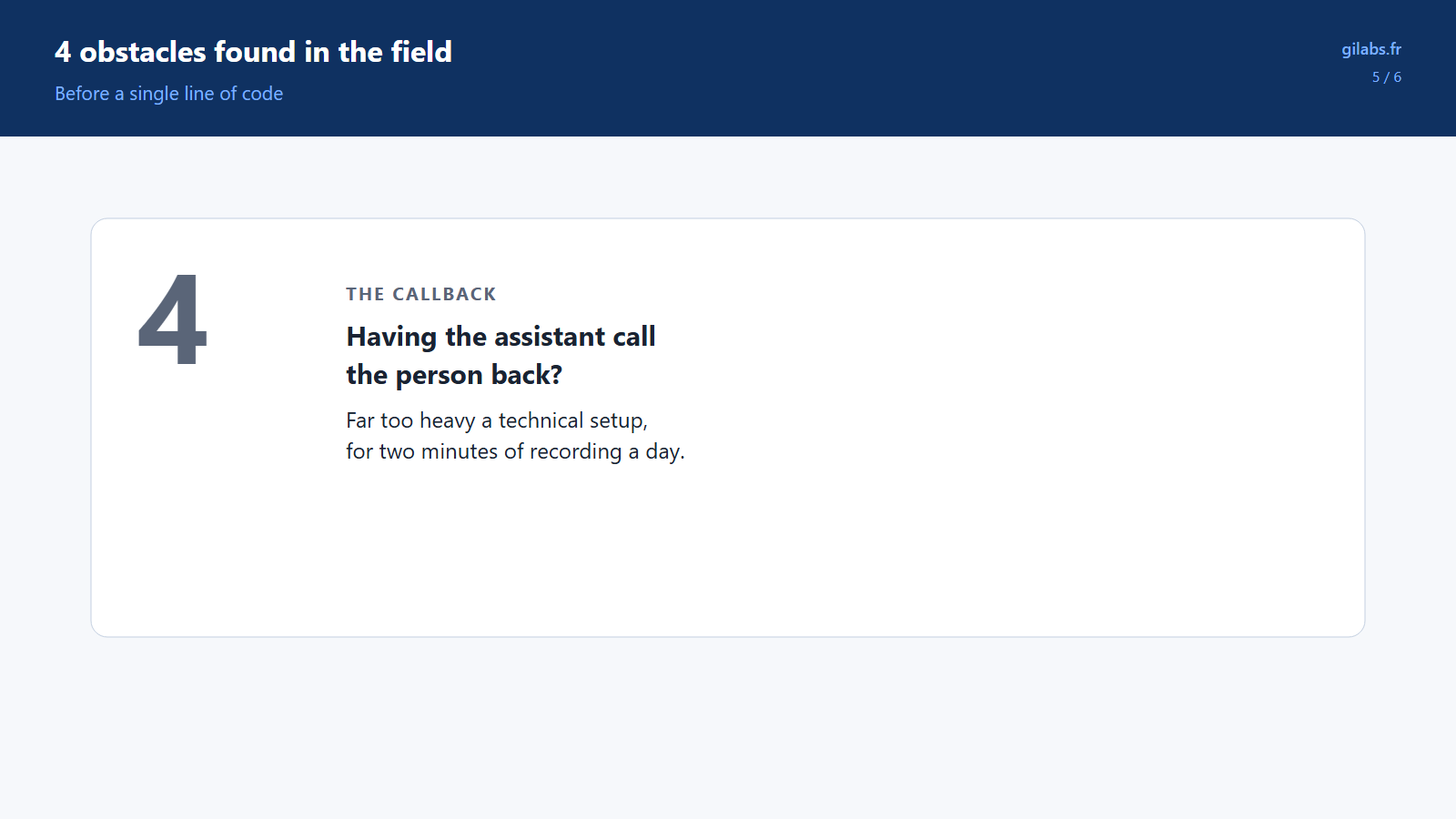
Finally, the last option on the table, having the assistant call the person back to collect their answer, would require a technical setup far too heavy and costly for capturing barely two minutes of recording per technician per day.
A much simpler solution
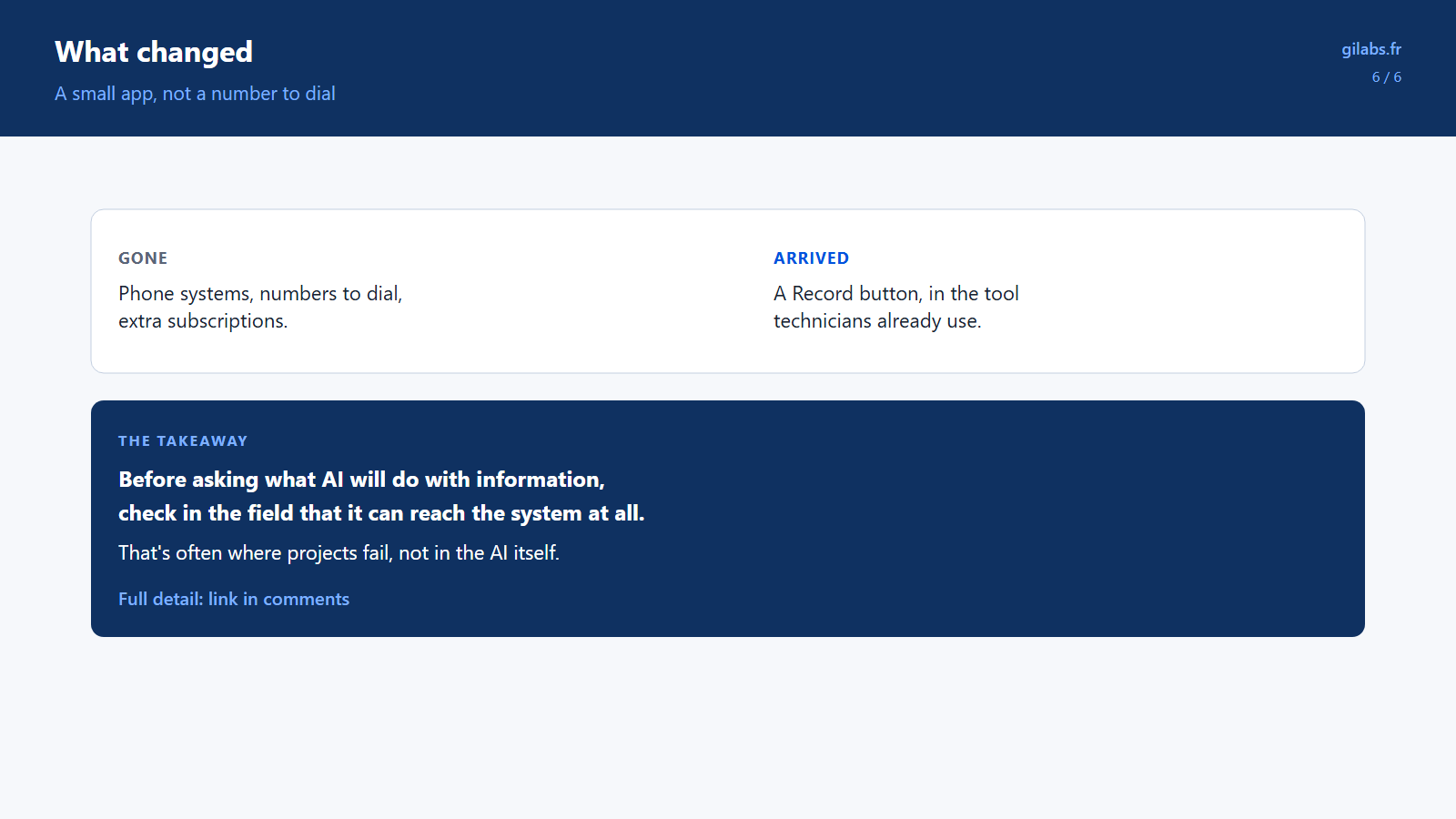
Once these four obstacles were laid out side by side, the pivot happened fast. Instead of bringing the technician’s voice in through a phone call, the team built a small app, built directly into Teams, with a single button: Record.
The technician talks, listens back to what they said, confirms, and sends. That’s it. No more phone systems, no number to dial, no extra license to buy. Identifying who’s speaking happens automatically, since they’re already logged into Teams to do their job.
The takeaway
The lesson from this story goes well beyond this one project. It’s simple to state, but easy to forget when you’re eager to start building: before asking what artificial intelligence will do with a piece of information, first check, out in the field, that the information can actually reach the system at all.
Here, the real risk was never transcription quality or how smart the automated analysis was. The real risk was whether a technician, with their phone, under the real conditions of their job, could simply get their voice to the system. That’s often where projects fail, not in the AI itself.
Testing that assumption before building anything costs a few days. Discovering it fails after building a complex technical setup costs several weeks.
Take it further
For mid-caps and software vendors whose IT lives in .NET and SQL Server: AI developed inside your application (document extraction, agents, classification) with your business rules, your architecture, your code. Not another tool next to the IT system: a new capability inside it. I work in your repo, alongside your developers, to your team's standards.
Let's talk about your IT system →